
Screens and navigation
Onboarding, lists, detail views, tabs, modals and forms generated from your description.
Onboarding, lists, detail views, tabs, modals and forms generated from your description.
One project targets both platforms with native-ready mobile code.
Sign-up, login, sessions and password reset wired to your backend.
A database schema and the APIs your screens call, generated to match.
Connect subscriptions, notifications and third-party services when your app needs them.
Run the app on your phone, describe what to change, and Zusagi patches it.
Workflow
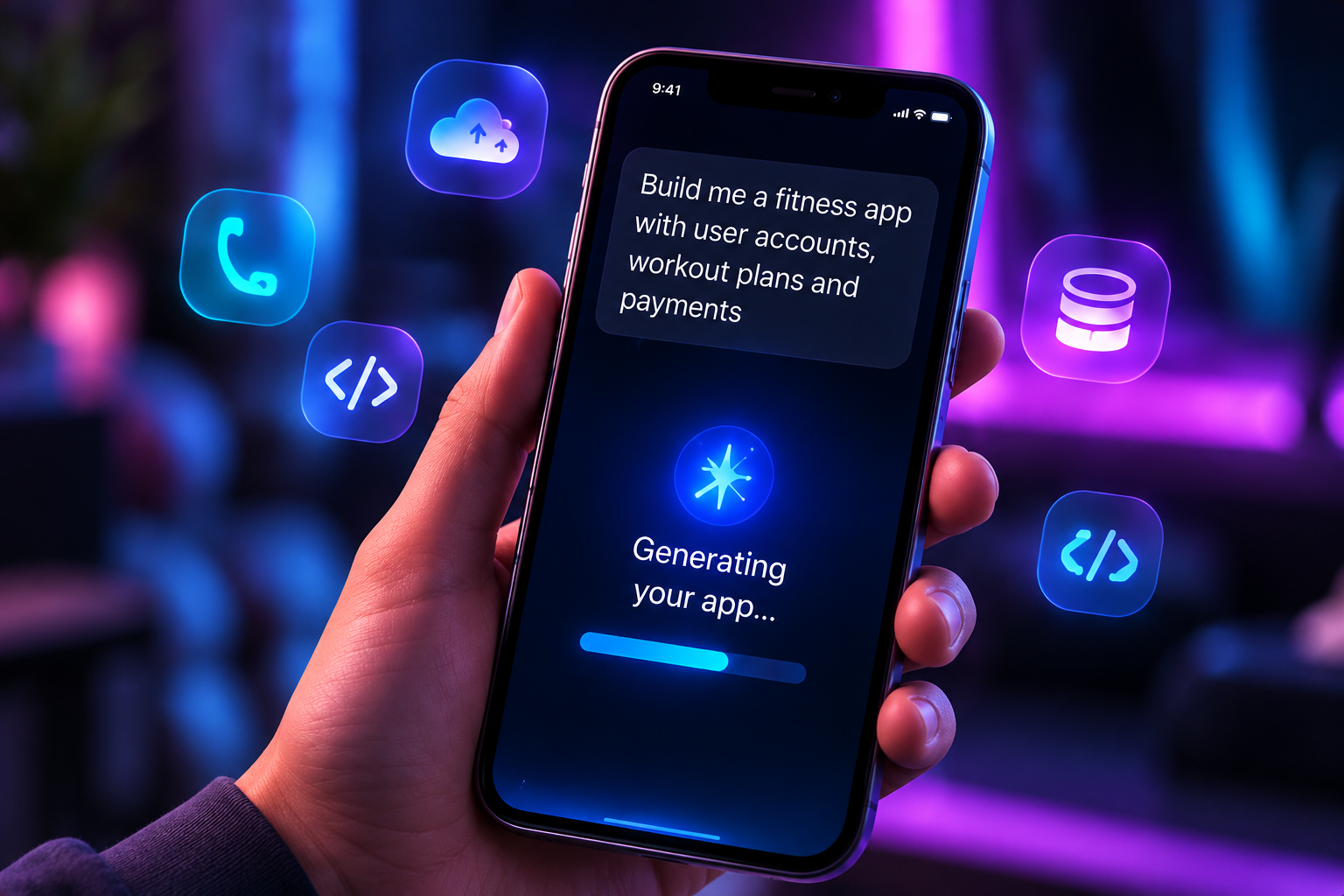
A typical mobile build follows four steps. Each one happens in the Zusagi chat, on your phone.
For example: a habit tracker with accounts, reminders and a weekly dashboard.
Zusagi proposes screens, the data model and the backend. Adjust anything in plain language.
The app is built and opened as a live preview on your phone.
Request changes, fix issues and publish your build when it is ready.
Yes. Zusagi runs the whole process, from description to preview and deployment, from a mobile phone.
Yes. Projects are generated as cross-platform mobile apps that target both.
No. You describe what you want. If you are a developer, you can still read and edit the generated code.
Related: AI website builderAI backend generatorAI frontend generator